
Guides
Step-by-step Unseen Liminality guides — controls and movement, max graphics settings, entity avoidance, safe routes and first-session survival tips for the Backrooms-inspired Roblox horror game.
Introduction
Unseen Liminality guides are your first and most important tool for surviving the endless hallways. This section covers everything a new explorer needs, from the basic controls and movement settings to advanced entity-avoidance routes and performance tips. Because Unseen Liminality has no combat system, survival is entirely about knowing how to move, hide and read the environment. Each guide here is built around community-tested routes and updated as the five-part overhaul changes the game. New players should start with the beginner guide, which walks through the controls, the recommended graphics settings and the safest first route out of the spawn point, before moving on to entity avoidance and multiplayer coordination. Whether you play alone or with friends, these guides give you the knowledge edge that turns a frustrating first session into a confident exploration of everything the liminal world has to offer.
Guide Focus Areas
| Guide | Focus | Best For |
|---|---|---|
| Beginner Guide | Controls, settings, first steps | New players |
| Controls Guide | Sprint, crouch, zoom, mouse lock | All players |
| Graphics Settings | Max graphics & performance | PC & mobile |
| Entity Avoidance | Safe routes & hiding | Survival |
| Multiplayer Guide | Playing with friends | Groups |
Guide Collection
Beginner Guide
Everything a new explorer needs for the endless hallways.
Controls Guide
Master movement, hiding and the settings menu.
Graphics Settings
Balance atmosphere and performance on any device.
Entity Avoidance
Safe routes and hiding spots to survive every entity.
Multiplayer Guide
Play the endless hallways with friends and cover more ground safely.
Core Mechanics
Unseen Liminality relies on a small but essential set of mechanics. You use Q to open settings, C to crouch, Left Shift to sprint, V to zoom and CTRL to lock the mouse. Playing on max graphics is recommended for the intended liminal atmosphere and better visibility of entities. With no combat system, your goal is to explore, avoid hostile entities and discover hidden areas while managing stamina and staying quiet. Sprinting in short bursts keeps a stamina buffer for emergencies, while crouching reduces the sound and visibility that draw attention. The settings menu also lets you adjust graphics quality for lower-end devices. Understanding these mechanics is the foundation of every survival route in the game, because movement, awareness and hiding are the only tools you have against the creatures that patrol the hallways.
Advantages
The guide section gives new players a fast, reliable path into the game. You learn the controls once and use them forever, and the safe routes described here dramatically reduce the chance of an early death. Because the game is free and has no paid progression, the only real advantage is knowledge — which is exactly what these guides provide. New players who follow the beginner guide and the entity avoidance routes skip most of the trial-and-error that defines the first sessions of unprepared explorers. The guides also cover performance tuning for lower-end devices, so more players can experience the intended liminal atmosphere. Whether you want to survive your first run, find every secret or simply understand how the game works, the guides section is the fastest way to build that foundation.
Challenges
The game changes frequently through its five-part overhaul, so guide details can go out of date. Entity behavior, routes and even level layouts shift between updates. Community data is usually reliable but not guaranteed, and the beta intentionally ships with bugs and unpolished areas. Always double-check a route after a major update. Some guides describe behavior that the latest patch may have changed, so treat them as a starting point rather than a fixed script. The lack of an official wiki or developer documentation also means some details are inferred from observation rather than confirmed. Players who rely on an outdated guide may find themselves facing an entity behavior that no longer matches what they read.
Frequently Asked Questions
What are the controls in Unseen Liminality?+
Should I play Unseen Liminality on max graphics?+
Can I play Unseen Liminality with friends?+
Quick Tips
Always sprint only in short bursts and keep a stamina buffer for emergencies — a sudden Looker patrol is not the time to be exhausted. In the endless hallways, your stamina is your most important resource, because every entity encounter eventually comes down to whether you can outrun a chaser and then hide before it finds you. Practice the sprint-to-crouch transition so it becomes automatic.
Crouch before turning corners in high-entity areas; sound and movement are the two things that draw attention in the endless hallways. Even when you cannot see an entity, they can often hear you moving, so treating every corner as a potential ambush point keeps you alive far more often than sprinting through the open.
Play on max graphics if your device can handle it — the liminal atmosphere and entity visibility both improve dramatically. Higher settings let you spot the subtle tells of the Mimic and Still Life from further away, which gives you the extra seconds you need to reroute. On lower-end devices, our graphics guide lists the settings that matter most for survival.
Featured

Unseen Liminality Beginner Guide: 7 Core Survival Moves
Master the Unseen Liminality beginner guide with 7 core survival moves, from sprinting to hiding. Learn how to explore remembered hallways and dodge the Mimic.
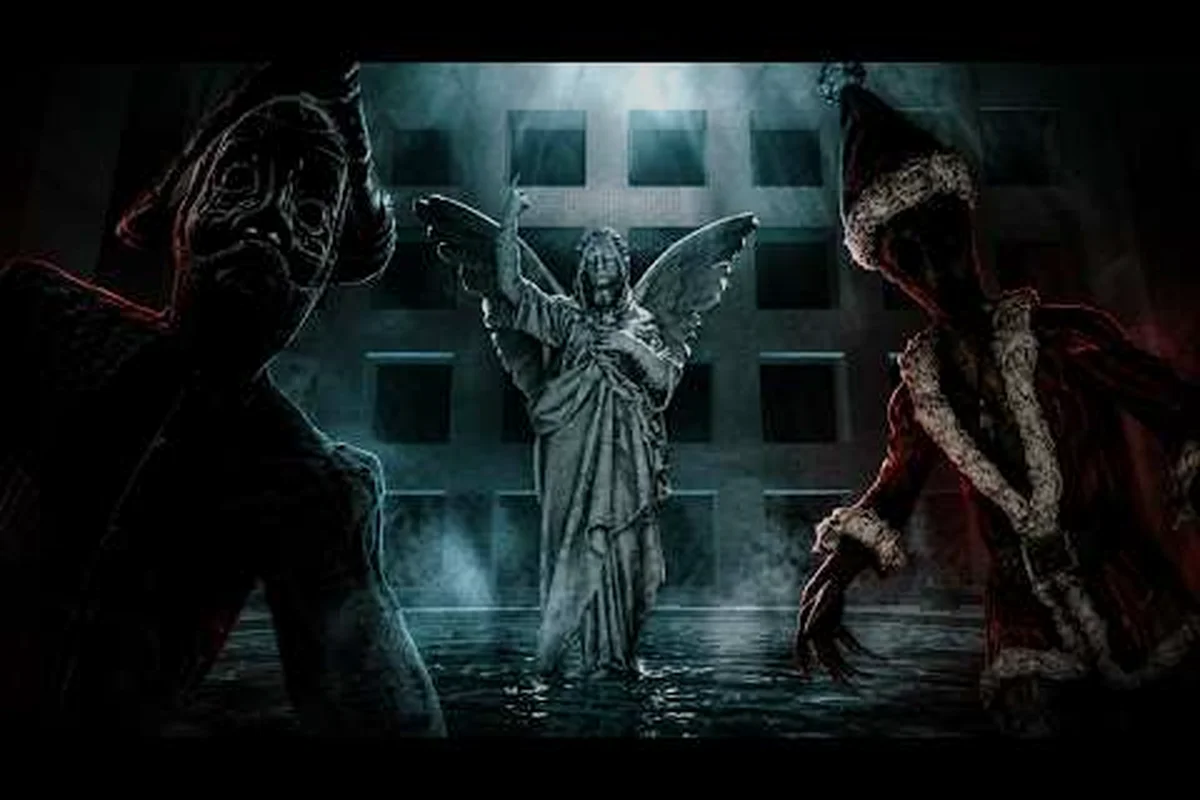
Unseen Liminality Guide: 20 Survival Tips for New Players
Master the Unseen Liminality guide with 20 survival tips covering controls, settings, stamina tricks, and hiding spots for your first backrooms encounters.

Unseen Liminality Spawn Guide: Escape Level 0 in 3 Minutes
Escape Level 0 in under three minutes with this Unseen Liminality spawn guide, covering core mechanics, movement tricks, and entity avoidance for new players.
All Articles

Unseen Liminality Guide 2026: Essential Starter Handbook
Navigate the Unseen Liminality guide 2026 covering first-time survival, level order, entity dangers, and hidden areas for beginners starting fresh in the beta.
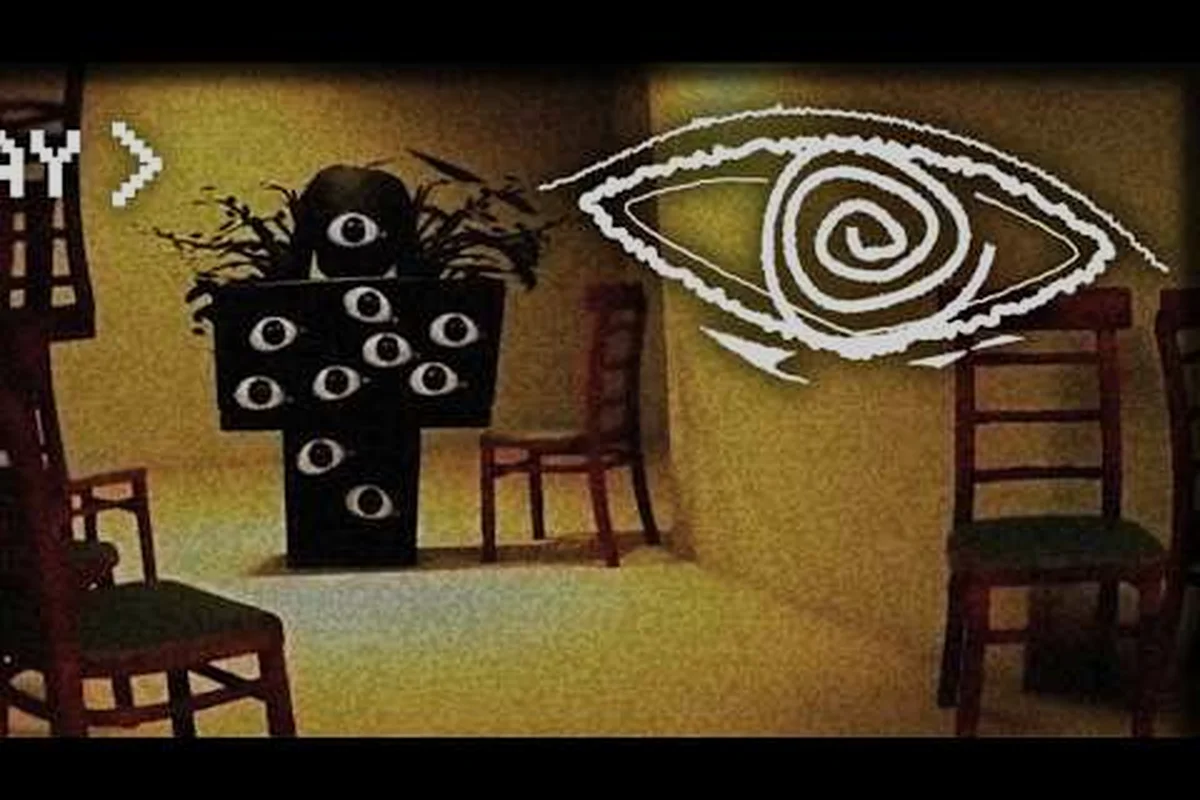
Unseen Liminality How to Sprint: Master Movement Controls
Master Unseen Liminality how to sprint with exact keybinds, stamina management, and advanced movement tricks to outrun every entity and explore faster.
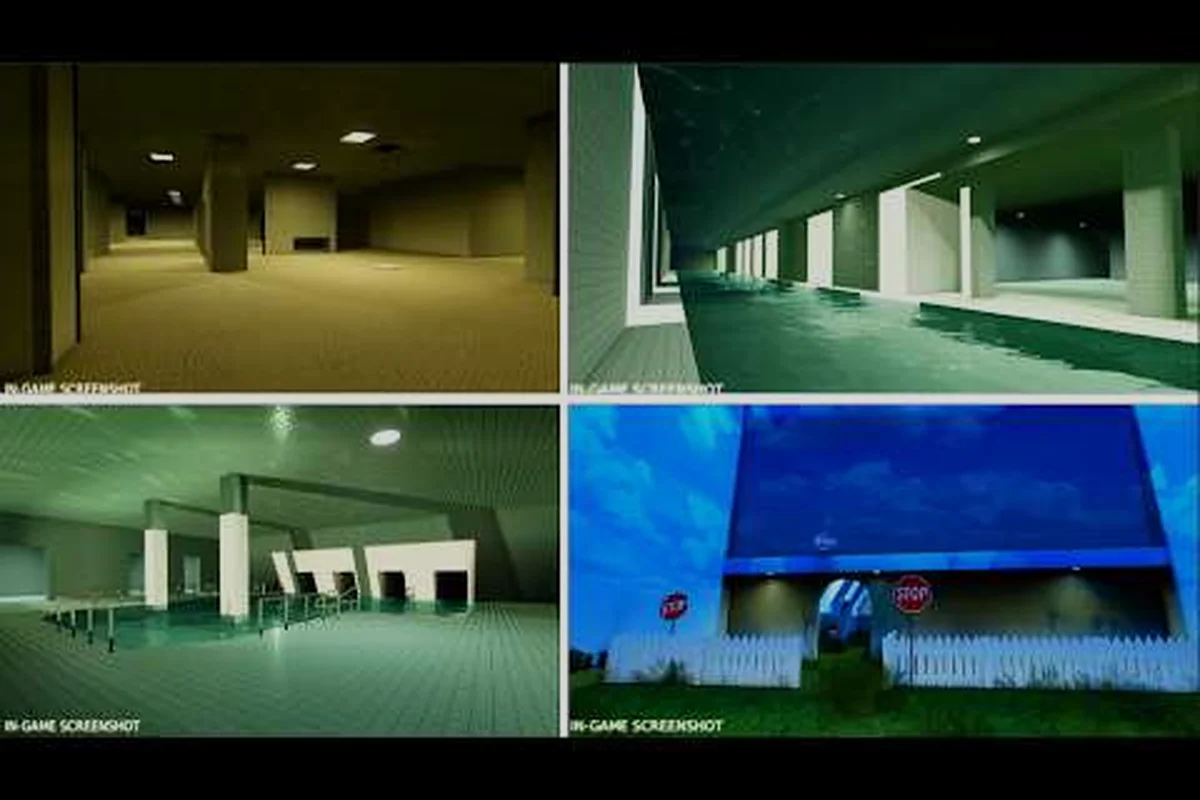
Unseen Liminality VIP Server: Private Game Perks & Tactics
Unlock Unseen Liminality VIP server access for private games, exclusive strategies, and solo exploration tips that reduce entity encounters dramatically.
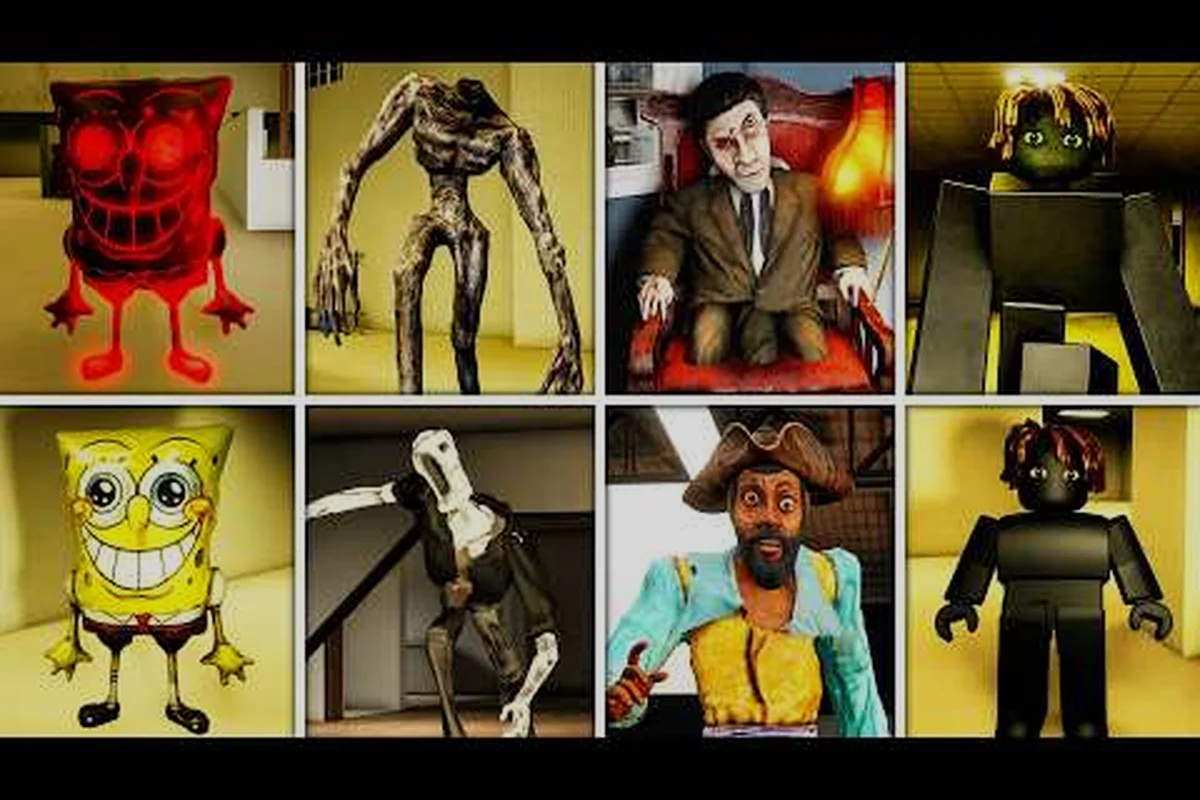
Unseen Liminality What to Do: First 5 Minutes Explained
Lost in the backrooms? This guide reveals the first steps in Unseen Liminality, covering stamina management, hiding tactics, and key basics to survive.

Unseen Liminality Entity Survival: 5 Safest Routes
Master Unseen Liminality entity survival with 5 safest routes, performance settings, and lag fixes that help you evade threats and explore longer.
Unseen Liminality How to Get Better Graphics: Visual Boost
Want Unseen Liminality how to get better graphics? Adjust graphic settings, boost FPS, and enhance visuals without sacrificing performance or clarity.
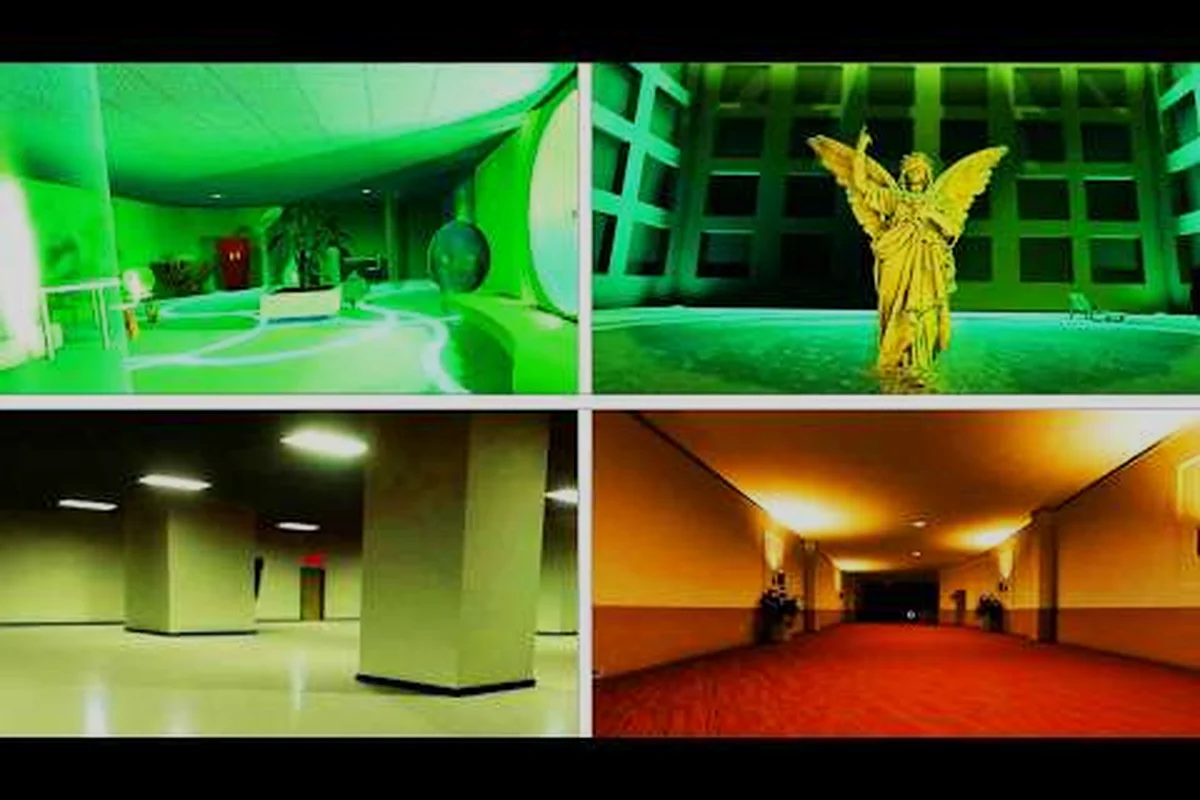
Unseen Liminality Walkthrough Tips: 10 Level Secrets
Master the Unseen Liminality walkthrough tips with 10 hidden level secrets, optimal routes through the Lobby to Pool Rooms, and mechanics that boost survival.